Keep every change with the job
In PlainJob, you edit the job's line items and the customer's page shows the new total, so the invoice always matches what was agreed. $39 a month for up to 3 people.
Get early access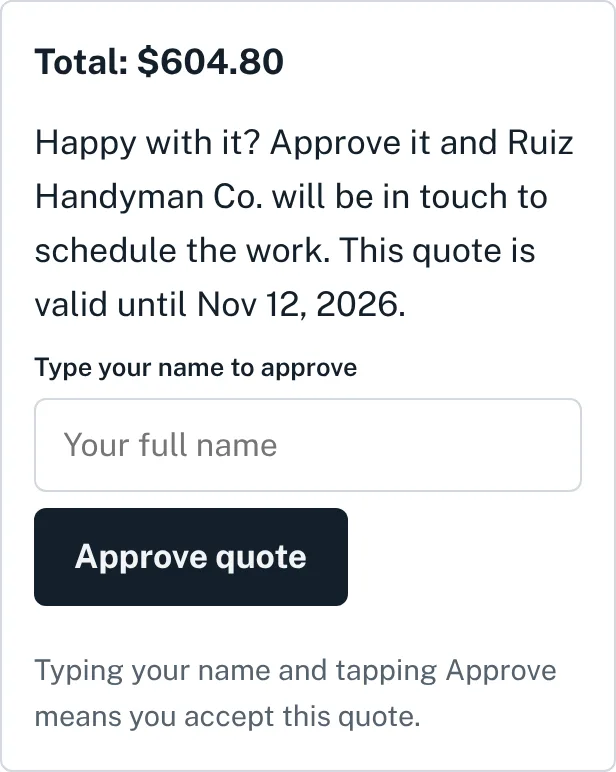
When the job changes after the customer said yes, write it down before you do the extra work: what's added or removed, what it does to the price, and a line for the customer to approve it. Print it or save it as a PDF. Nothing you type leaves your browser.
Tip: on a phone, tap the button, then share the PDF straight into a text to your customer.
Most payment arguments start with "I thought that was included." A change order settles it before you do the work. The customer sees the extra work and the new price, approves it, and the final invoice holds no surprises. It also works the other way: if the customer drops something from the job, a change order with a negative line shows the credit.
More on pricing extra work: how to price handyman jobs.
In PlainJob, you edit the job's line items and the customer's page shows the new total, so the invoice always matches what was agreed. $39 a month for up to 3 people.
Get early accessYes. There's no sign-up and no limit. Fill it in, then print it or save it as a PDF.
No. Everything stays in your browser and nothing is sent to us. If you close the page, the change order is gone, so save the PDF first.
Any time the work or the price changes after the customer approved the quote: hidden damage, an added task, a different material, or something taken off the job.
Put a minus sign in the price, for example -75. The line and the total show as a reduction.
It isn't always required, but written approval before you do the extra work is the simplest way to avoid a dispute over the final bill.