Stop retyping the quote as an invoice.
In PlainJob, the quote your customer approved becomes the invoice in one tap, with the due date set for you. Home shows what's overdue so nothing slips. $39 a month for up to 3 people.
Get early access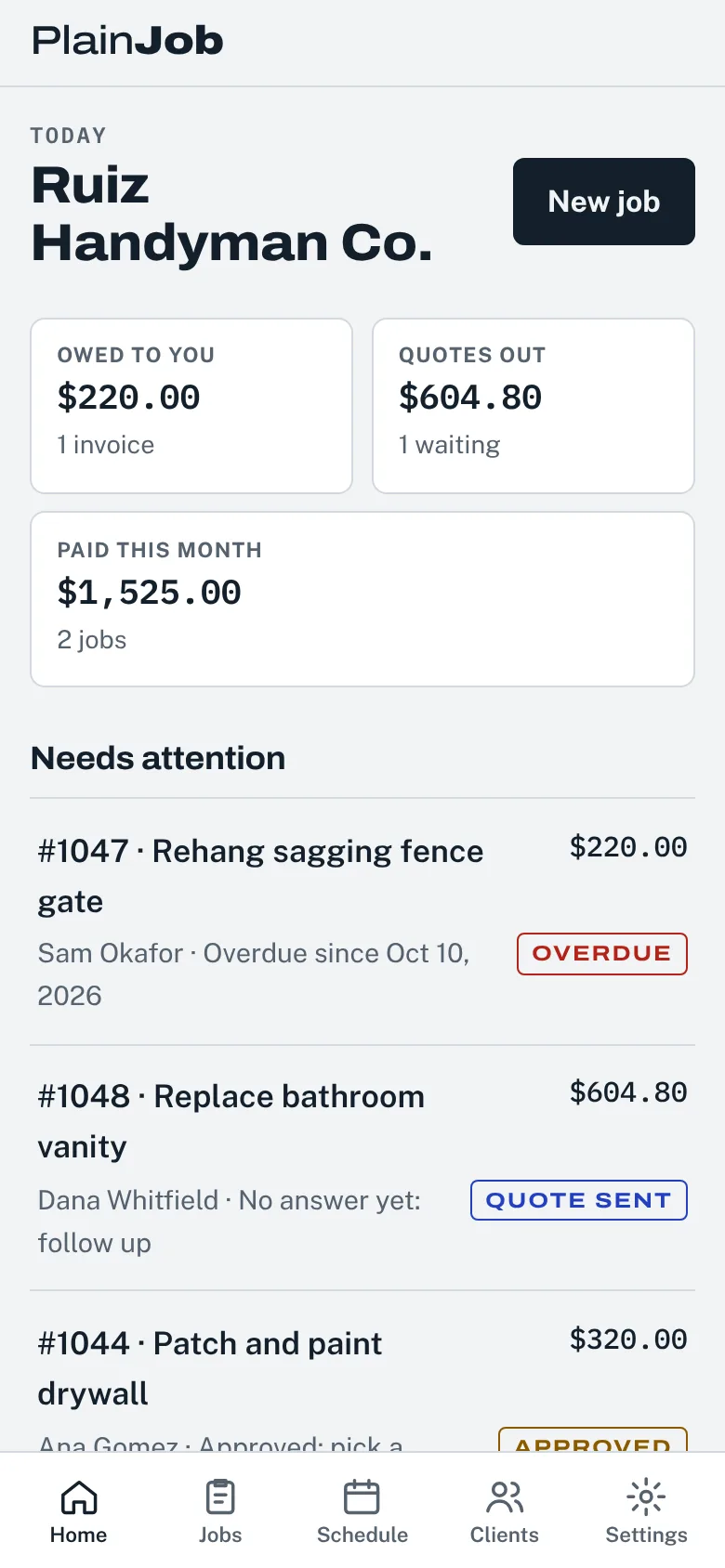
Fill in the finished job, add your line items, tax and any deposit, then print it or save it as a PDF. No sign-up, and nothing you type leaves your browser.
Tip: on a phone, tap the button, then share the PDF straight into a text to your customer.
An invoice gets paid faster when the customer doesn't have to call you to understand it. Include these:
Use the free handyman quote maker to price the job before you start. Same layout, so the invoice matches what your customer approved.
In PlainJob, the quote your customer approved becomes the invoice in one tap, with the due date set for you. Home shows what's overdue so nothing slips. $39 a month for up to 3 people.
Get early accessYes. There's no sign-up and no limit. Fill it in, then print it or save it as a PDF.
No. Everything stays in your browser and nothing is sent to us. If you close the page, the invoice is gone, so save the PDF first.
Tap Print or save as PDF and save it. Then text or email the PDF from your phone like any photo or file.
Most small jobs are due on receipt. For bigger jobs, many handymen take a deposit up front and invoice the balance due within 14 days. Whatever you choose, put it on the invoice.
Not with this free tool. PlainJob, our job app, is adding card and bank payments from the invoice link at launch, with no markup on Stripe's fees.