Is the estimate template really free?
Yes. There's no sign-up and no limit. Fill it in, then print it or save it as a PDF.
Do you save what I type?
No. Everything stays in your browser and nothing is sent to us. If you close the page, the estimate is gone, so save the PDF first.
What's the difference between an estimate and a quote?
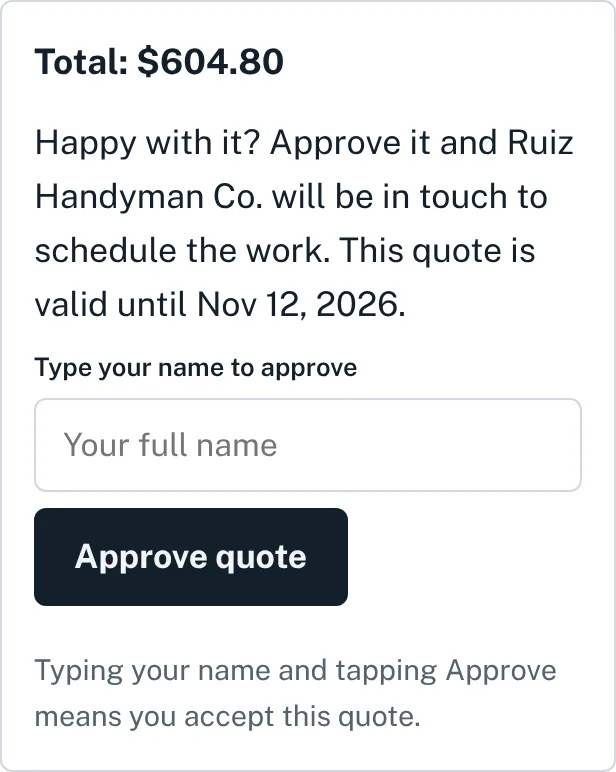
An estimate is your best guess at the price and can change once the work starts. A quote is a firm price for the work listed. Write which one it is at the top, and say what would change the price.
How do I save the estimate as a PDF?
Tap Print or save as PDF. On a computer, choose Save as PDF as the printer. On an iPhone, use the share button in the print preview. On Android, choose Save as PDF.
Should I charge sales tax on handyman work?
It depends on your state, and sometimes on whether a line is labor or materials. Check with your state's tax department or your accountant, then enter the rate that applies.